
15 Best Kling AI Alternatives in 2026

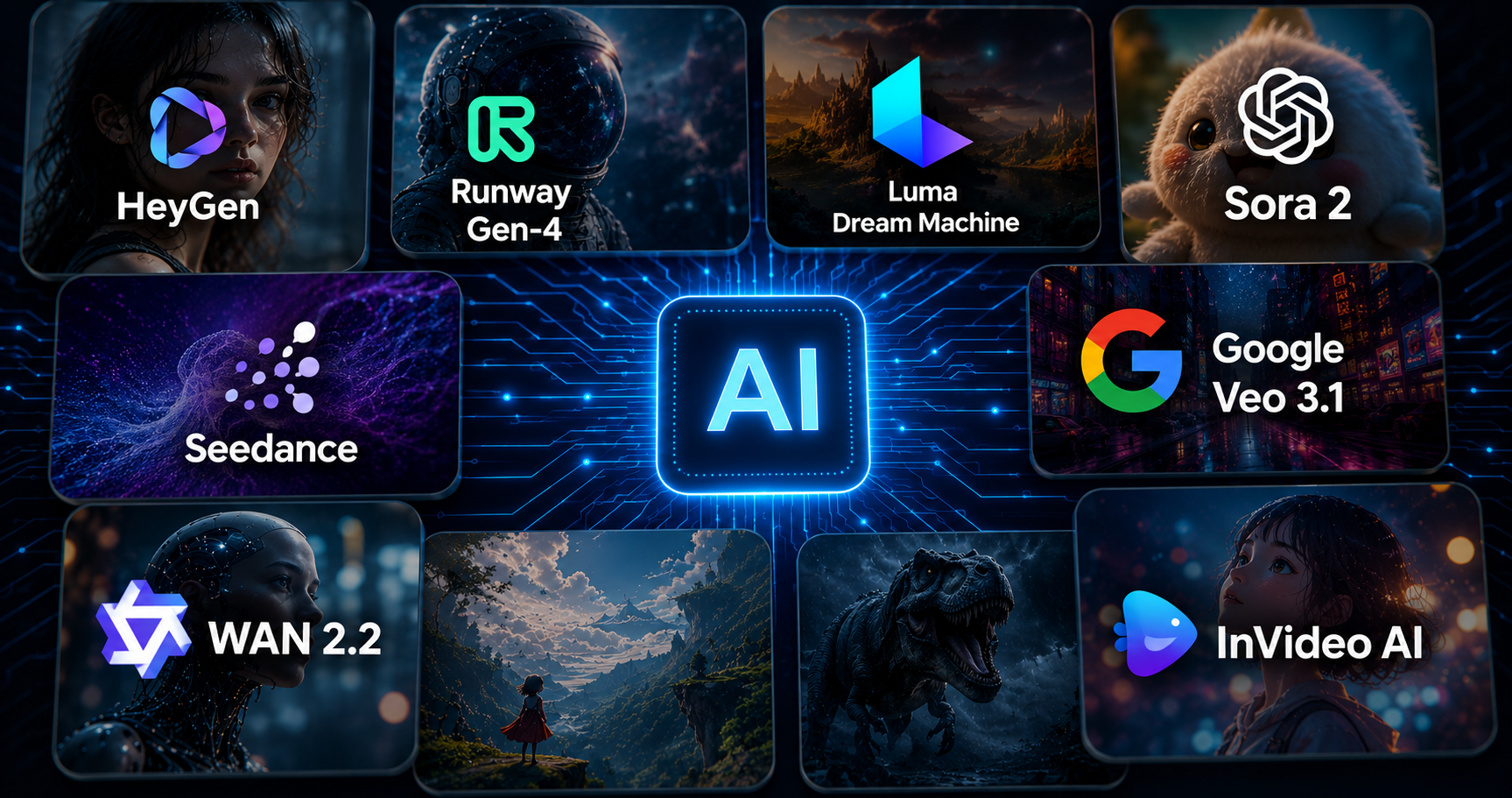
- Kling AI is a generative AI platform that enables users to create images and videos using simple prompts for marketing, advertising, influencing, or educating.
- Daily credit limit, strict triggers, and account penalties are some of the limitation that encourages users to look for Kling AI alternatives.
- According to Grand View Research, the AI video generator market size was valued at $788.5 million in 2025, growing at a CAGR of 20.3% to achieve the valuation of $3.4 billion by the end of 2033.
- Analyzing the rendering capabilities, integrability, pricing, and ease-of-use can be some of the best methods to choose the right Kling AI alternative.
Digital content creation is no longer about long texts, boring images, or low-resolution videos. Demand for short-form media such as lined reels on Meta platforms, personalized ads, or individual video creators has skyrocketed in recent years. Therefore, knowing about Kling AI Alternative is the need of the hour to grab current market opportunities in the field of video development. It helps the producer to overcome the traditional challenges of filming and recording, such as high costs, lengthy editing, the need for large teams, and equipment.
Latest statistics reveal that the total market size of AI video generators was $788.5 million in 2025, and is estimated to grow at a CAGR of 20.3% from 2026 to 2033, reaching $3441.6 million.
Kling AI is a renowned name in motion media generation, producing animation, promotional clips, and cinematic shots automatically within minutes. However, if we talk about the current scenario, many other candidates have entered the market offering the same or better services. Users are exploring thoseAI alternatives to transcend the existing limitations related to output quality, watermark removal, low price/free plans, customization, and rendering speed.
What to Look for in a Kling AI Alternative?
There are numerous options to explore when seeking AI tools that can help you out with visual media for marketing, social posts, or content creation jobs. Evaluate the following factors in the competitive brands available in the market:
- Assess the speed of the tool and how fast it can produce a useful video to upload to online platforms.
- Ease of editing is essential to enable you to refine the output without moving between different platforms.
- The interface must be simple and easy to understand for use by a beginner with no technical background.
- Availability of free plans or minimal pricing increases the accessibility of the tool for beginners or small teams.
- Watermark-free exports must be there to show the video content as realistic and natural.
Pro Tip: Test different options in their trial period to evaluate their features and usability according to your goals and needs.
Read Also: TurboLearn AI Alternatives
10 Top Kling AI Alternatives for Marketers
Here is the list of the most popular 10 Kling AI Alternatives in the table given below:
| AI Tool | Best Use Case | Price |
|---|---|---|
| Sora 2 | Realistic shots creation and short-length clips | Limited rollout |
| Google Veo 3.1 | High-quality broadcasts | Subscription-based custom plans |
| Pika | Short videos, animations | Free tier with paid plan starting at $10/month |
| Synthesia | Corporate training, educational content, business communication, and host-led content | $25-$100/month |
| HeyGen | AI avatar videos, business, and multi-shot narrative-driven content | Free trial + paid plan from $29/month |
| Haiper | Style-driven content | Free+premium from $5/month |
| LTX Studio | Managing the entire workflow of video generation | Offer free versions, and the basic plan starts at $15/month |
| Runway Gen-4 | Fast video creation | Free tier,
paid plan lies between $12-$80/month |
| Luma Dream Machine | Action and meme content | Free+paid plans from $9.99/month |
| Hailuo AI | Prompt-driven scene creation | Free plan + paid version from $10/month |
15 Best Kling AI Alternatives for 2026
Here is the list of top 15 Kling AI Alternatives, with all the relevant descriptions, features, target users, and comparison with other contenders:
#1. HeyGen
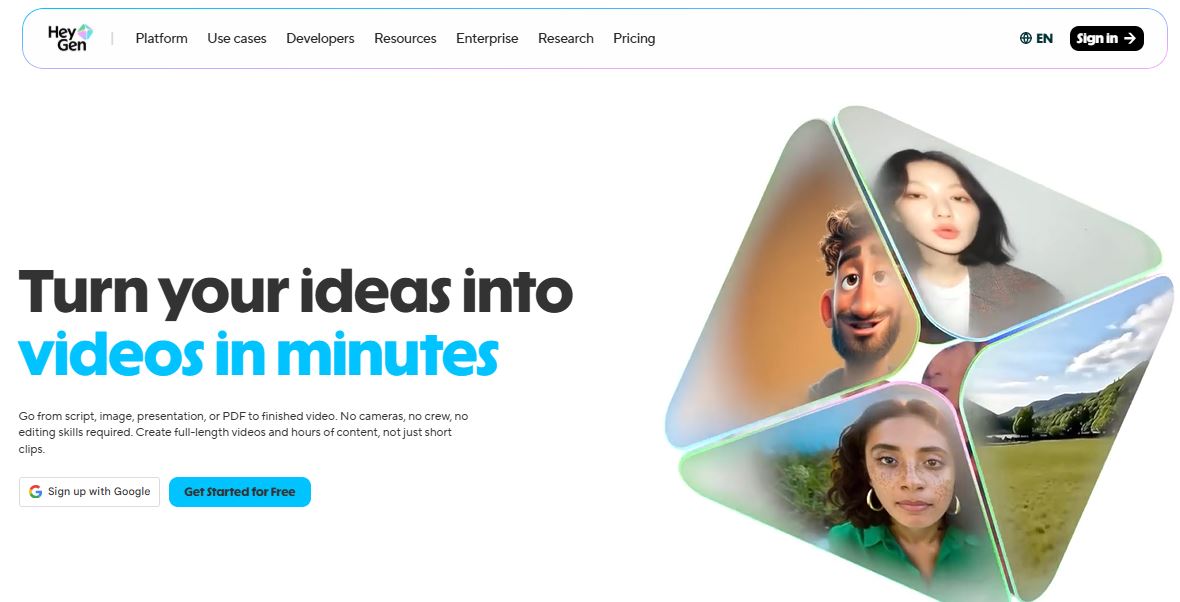
Professional creators and tech users opt for HeyGen over the rest of the Kling AI Alternatives for creating realistic avatars. Businesses particularly use it to generate explanatory videos for their web pages, training footage, and linguistically diverse material.
Key Features:
- Life-like avatars
- Text-to-vedio
- Voice cloning and gesture control
- Ease of use without frequent recording or inputs
Best for: Agencies producing corporate training videos, beginners generating presenter-driven content for online sites, business with B2B SaaS products for promotional use.
Is HeyGen better than Kling AI Alternatives?
When we talk about animated, avatar-led, virtual representation videos for business and training use, Heygen comes up as a superior solution among other AI tools. However, if your goal is to create a high-grade cinematic experience in your content, then exploring more AI video generators would be a better decision.
#2. Runway Gen-4

This model of Runway presents an easy-to-understand interface for beginners and non-technical users. Gen-4 can produce high-quality text-to-video or image-to- video while mainating characters harmoney across different shots.
Key Features:
- Speed and ease of creation workflow through simple prompts.
- Natural control over the production pipeline
- Intuitive interface
- Character consistency across different frames.
Best for: Professional video makers and video editors need quality output, quick ad turns, and intelligent features.
Is Runway Gen-4 better than Kling AI Alternatives?
Kling itself or the other AI video generators are still struggling to provide the level of directive control that Runway Gen-4 offers.
#3. Luma Dream Machine
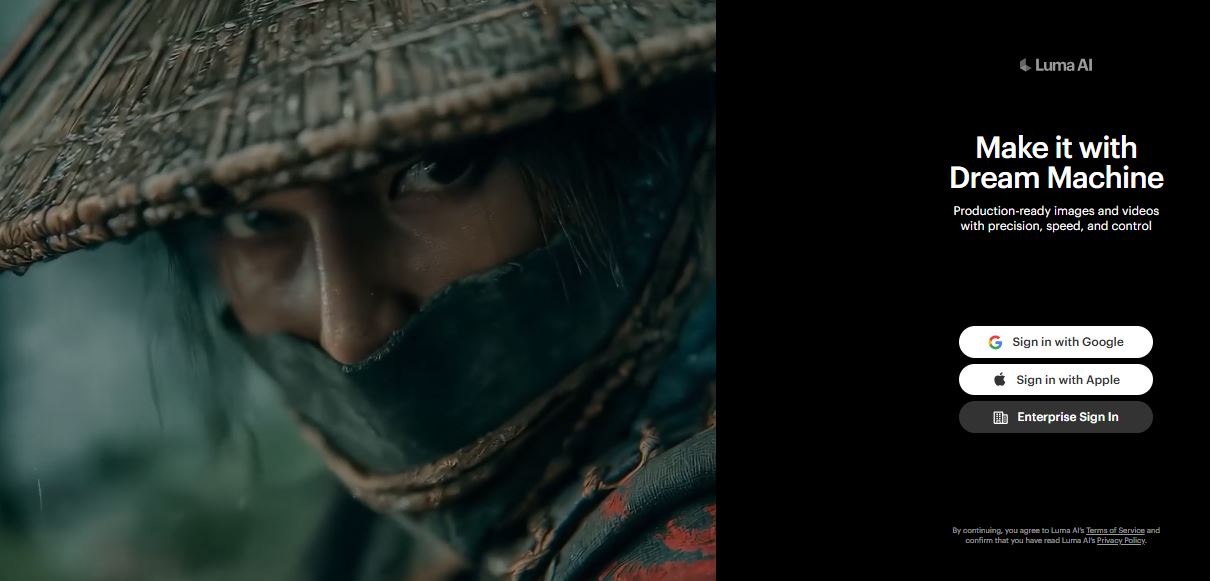
It is one of the most preferred AI tools when it comes to rapid content generation. Luma AI is really a dream machine for those who want to create videos within one to two minutes consistently. It can maintain solid results even in the fast-paced action sequences.
Key Features:
- High energy motion
- VFX on demand
- Minimal learning curve
- Social stylist
Best for: Trend chasers, meme creators, high VFX users, and rapid motion video editors.
Is Luma Dream Machine better than Kling AI Alternatives?
Luma Dream Machine is fast and more energy efficient than any Kling AI Alternatives to produce ready-to-use clips or videos.
#4. Sora 2
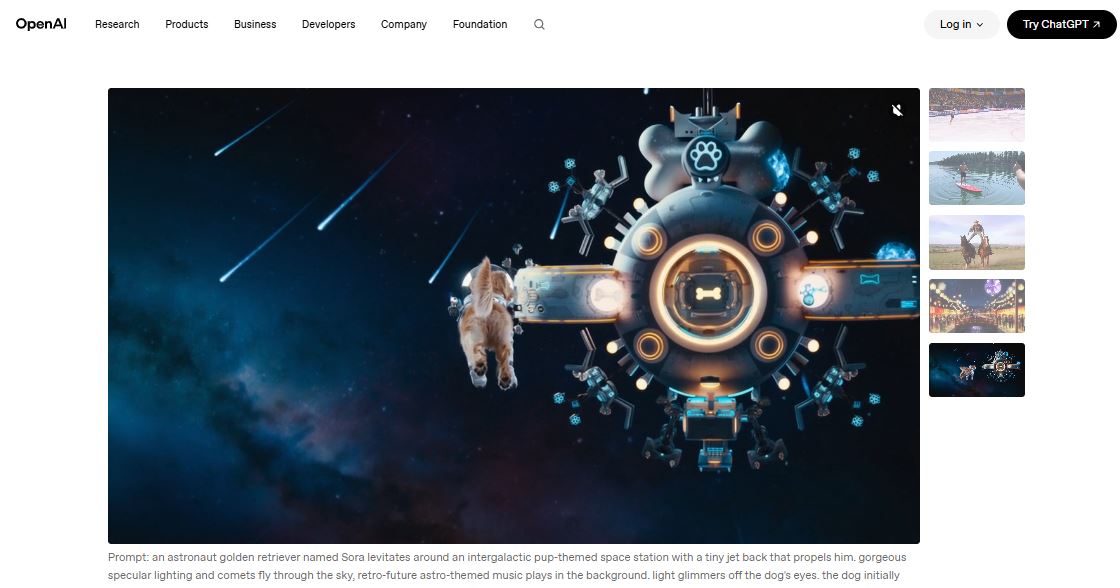
If you want professional camera-like shots with keen detailing, Sora 2 is your solution among AI tools for video generation. But you may have to stand on the waiting list, as only a few people get access due to the limited rollout. Additionally, it does not support a comprehensive production workflow or storyboarding, just generates clips of a few seconds.
Key Features:
- Real cinematic output
- High-quality short-form output
- Lifelike shots through detailed prompts.
Best for: Short-term content creators with authorized access, producers who want to create up to 20-second photoreal clips for their videos.
Is Sora 2 better than Kling AI Alternatives?
Sora 2 is a popular tool among the quality first mindset creators, generating small-sized shots, but its availability is limited to only some users in the market, depriving most others. Moreover, the platform is not suitable for long-term video production, making other Kling AI Alternatives a better option.
Read More: Copy.ai Alternative
#5. Seedance
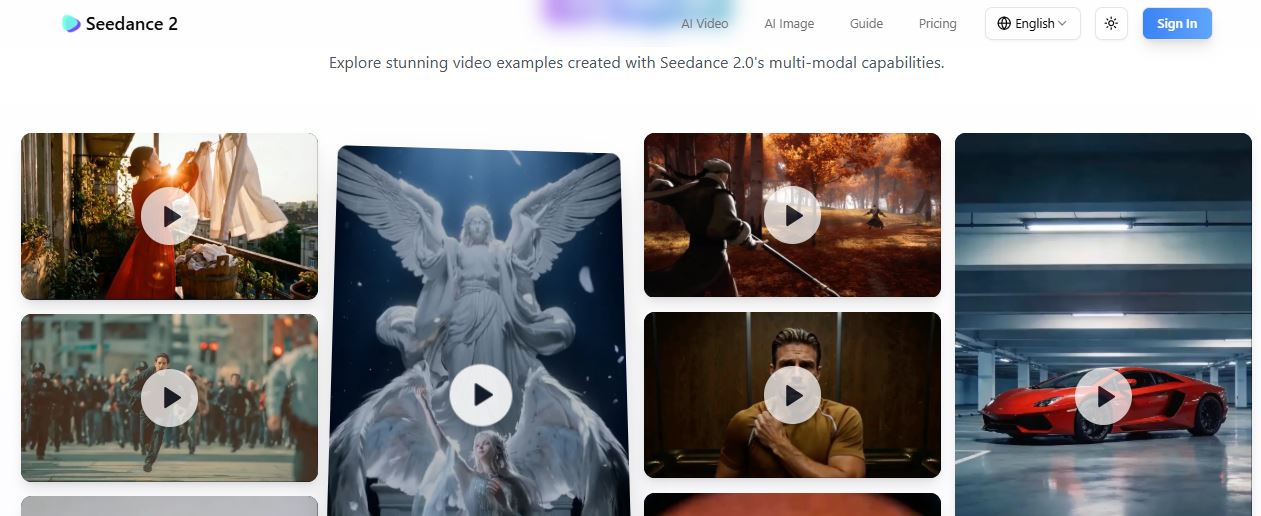
Seedance is specially designed for creating narrative storytelling and an e-commerce content workflow. The tool can produce a 4- to 15-second clip with high-quality character consistency across multiple shots.
Key Features:
- Audio-visual combined production model
- Clips resolution quality of up to 1080p.
- Multi-shot storytelling
- Accept text, Image, audio, and video as inputs.
Best for: E-commerce websites, storytelling with a narrative feel, and social media content creation.
Is Seedance better than Kling AI Alternatives?
Seedance excels at generating native audiovisual synchronized videos, making it a preferred choice for the promotional ad-driven content and narrative creators. However, its limited API integration and 1080p output fall short in front of 4k results and other advanced features provided by its competitor AI tools like Google Veo or Kling itself.
#6. Google Veo 3.1
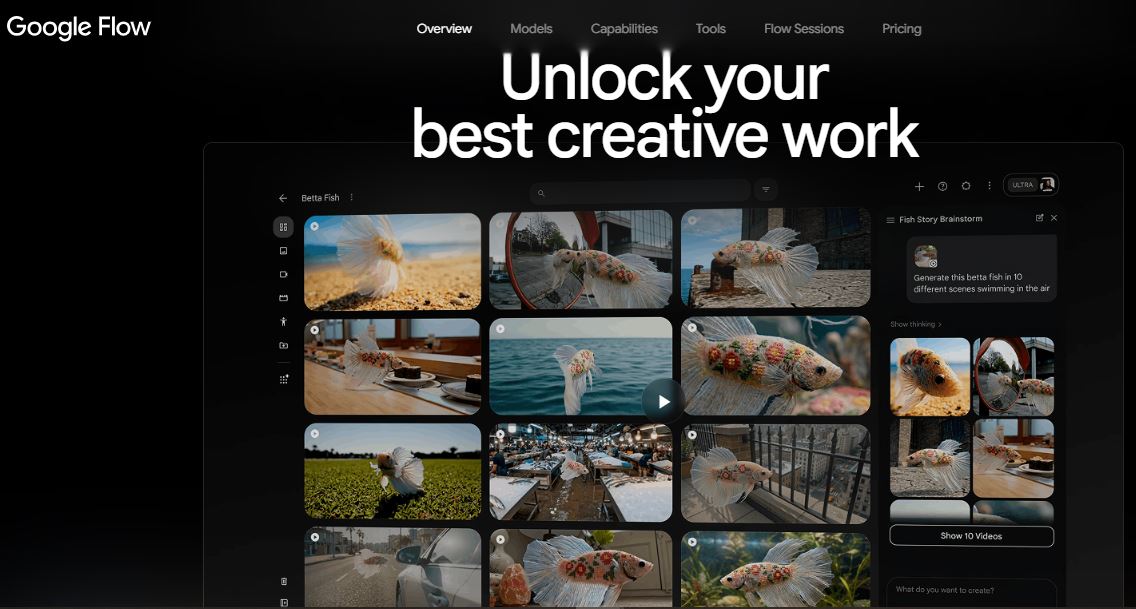
Google launched this model to deliver superior work output with great detail. It offers enterprise-grade broadcast quality with frame consistency and sophisticated camera control. Veo 3.1 provides smooth transitions between long sequences and offer compete promt conformity. It can generate 4K output in both 16:9 and 9:16 aspect ratios, style continuity, and access to other AI tools.
Key Features:
- A/V synchronization
- 4k output
- Seamless transition across sequences.
- Integrates local audio, ambient conditions, a nd music.
Best for: Beginners in filmmaking, creative artists with limited budgets, and YouTube video makers.
Is Google Veo 3.1 better than Kling AI Alternatives?
It is an all-rounder AI video generator, outperforming all other AI tools in the field of output quality, engagement through native relatability, and realism.
#7. WAN 2.2
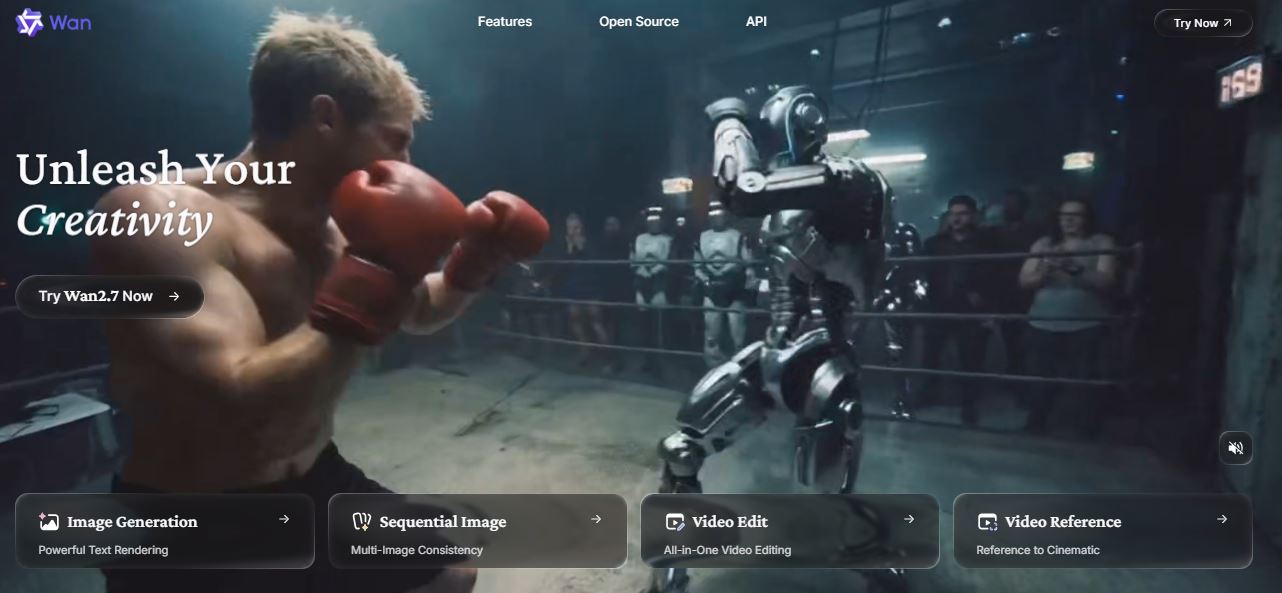
Wan 2.2 is one of those local free AI tools that offers high-speed text-to-video generation. This open source platform stands out for its efficient performance and easy accessibility, surpassing its previous and modern versions. It does not need the legacy huge cloud cluster system to deliver 720p/24fps clips within minutes.
Key Features:
- Excellent light and shadow control.
- Stability in a complex scene.
- Can incorporates atmospheric effects like smoke, fog, and fire.
Best for: Video developers and individual creators, who are looking for free AI Alternatives with complete control.
Is Wan 2.2 better than Kling AI Alternatives?
Wan 2.2 is a more sophisticated tool delivering free access to high-speed video generation via open source platforms with no hidden fees. Additionally, it can simulate the real-world ambient conditions, presenting professional synthesis, missing in many of the Kling AI Alternatives.
#8. InVideo AI
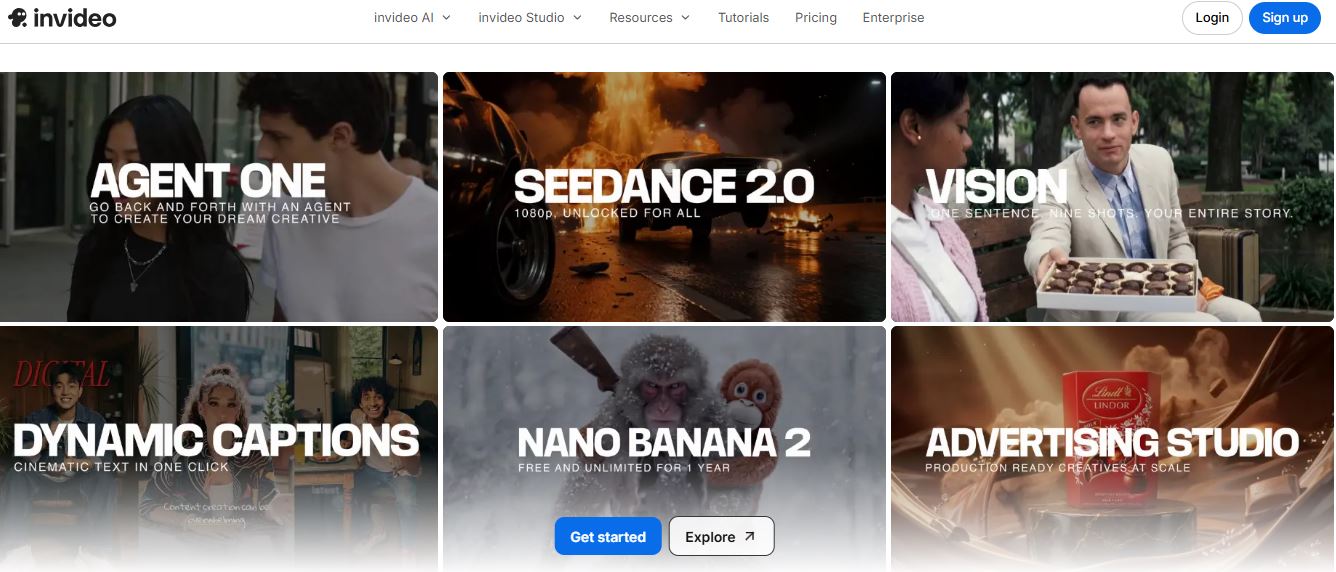
This AI tool simplifies the entire video creation workflow by converting the text into clips and audio. In addition, InVideo AI can add subtitles, voiceovers, and visuals in your script-based output, reducing cost and time to produce a publish-ready product.
Key Features:
- Fast video generation
- 50+ language support
- Beginner-friendly
- Voice cloning
- Prebuilt templates
Best for: Social media creators, who want to generate faceless videos, professional marketers, marketing agencies, and an academic course creator want to make explainer clips.
Is InVideo AI better than Kling AI Alternatives?
InVideo delivers fast video creation while handling 80% of the tasks in the workflow, proving a significant helper for performance marketers and small teams. But it lacks in offering in-depth generation and advanced editing, falling behind many Kling AI Alternatives on this ground.
#9. Adobe Firefly Video
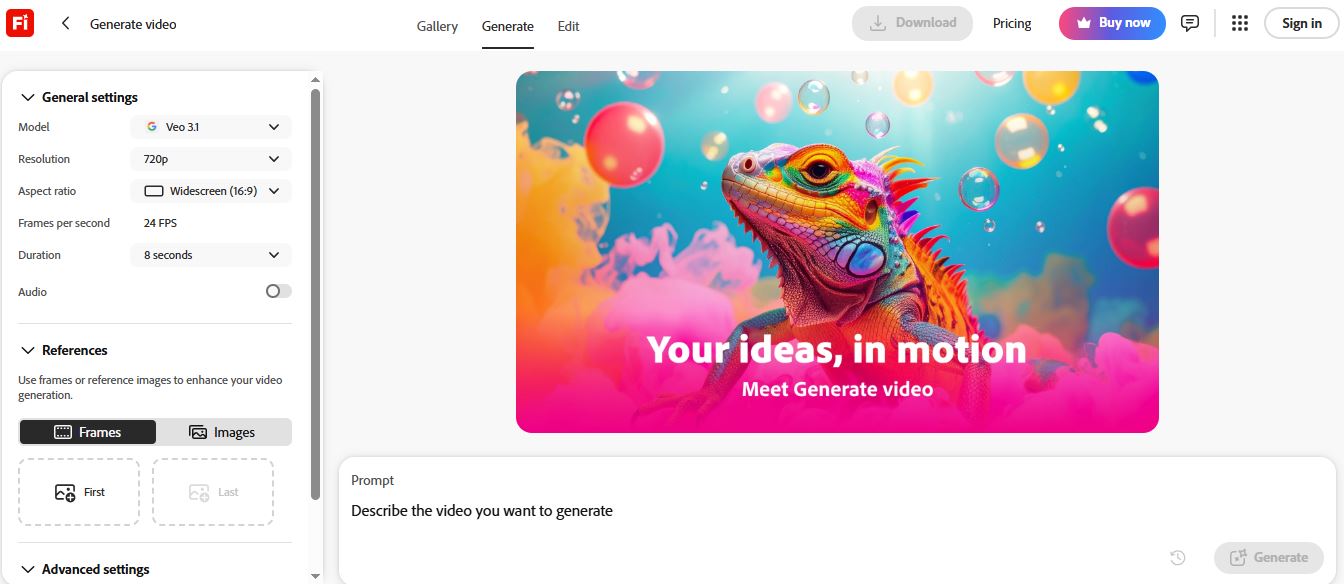
It allows you to assemble video clips, images, and sound within your browser to produce videos. Adobe Firefly can generate compelling videos from your text and images in minutes, delivering a polished, upload-ready product in no time. It can add details such as mood or weather elements like smoke, water, or intense sunlight.
Key Features:
- Team collaboration
- B-roll, cinematic, atmospheric layers, and sound effects
- Access to multiple AI tools with a single login.
- Commercial safety for copyright issues.
Best for: Adobe users, agencies conducting brand campaigns, art creators, and video editors.
Is Adobe Firefly Video better than Kling AI Alternatives?
For those already using Adobe, this adds to your suite of powerful AI video generators and revolutionizes your editing process.
#10. Synthesia
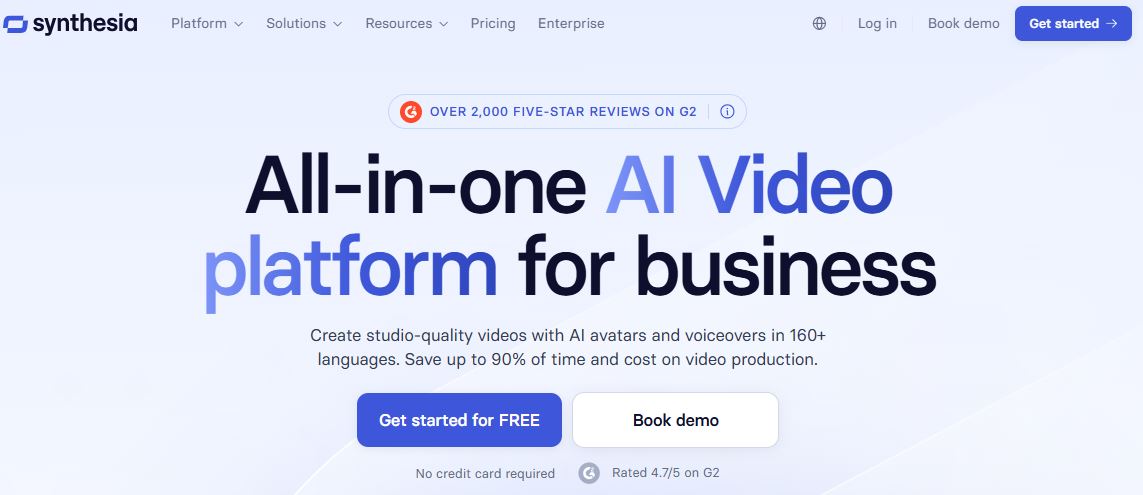
Synthesia is known for generating avatar-driven videos with continuous hosting. It reads your command and script, creates a matching character, and adds the presenter’s audio with perfect mimicking. However, without a speaker, you can create engaging content with this tool.
Key Features:
- Excellent lip synchronization
- Purpose driven
- Multilingual talking avatars
- Easy script-based video generation
Best for: Enterprises offering corporate training, educational content, and business communication, and a videographer producing narrative videos with a consistent speaker.
Is Synthesia better than Kling AI Alternatives?
Synthesia is superior in creating talking avatars on the basis of input dialogs, but it also requires a continuous presenter to add voice to the content, limiting its usability in other formats. Here, other Kling AI alternatives hold a strong position for producing B-roll, Text/image-to-video, and creative visuals.
#11. Pika
Pika is one of the most affordable and easily accessible AI tools, providing a starting point to casual creators and beginners with no budget. However, it fails to meet the expectations of a professional content producer, as it lacks motion control, consistency across scenes, and batch operations.
Key Features:
- Budget-friendly
- Speed and simplicity
- Animation and visual effects
- Fast workflow for short-form content
Best for: Hobbyists, social media creators such as TikTok and Instagram reels, and beginners with limited finances.
Is Pika better than Kling AI Alternatives?
If you want to create a quick social media post or want to give a try to the video generation without spending much, Pika is definitely a great tool to start with. But if the budget is not a problem, you may miss the chance to experience advanced creativity features, offered by other Kling AI Alternatives.
#12. Haiper
Haiper may be a new player in the industry, but it is still worth trying if you are looking for style consistency and motion control features. It is an efficient tool and is rapidly improving its capabilities to match the level of a high-performing AI video generator. However, the race is long, but a great option for the creators focusing on style.
Key Features:
- Marketer-friendly ad output
- Style consistency
- Creative control
- Fast learning curve
Best for: Beginners exploring AI tools, casual creators, and style-driven producers.
Is Haiper better than Kling AI Alternatives?
Haiper offers a simple and usable video generation workflow for almost free, with decent style consistency across the clips, making it a preferred choice for early adopters and everyday creators.
#13. LTX Studio
LTX studio handles everything in a video generation process, starting from the script to the final content. It removes the requirement of combining multiple AI tools to complete a project; instead, it can create all the videos from text, image, or audio in a single space. Along with creating clips, the tool organises the shots and scenes to establish a full narrative throughout the video.
Key Features:
- Consistency in character.
- Motion control.
- Integrated workspace for teams.
- Access to other tools as per need without leaving the platform.
Best for: Content creation teams, agencies, media networks, and brand studios.
Is LTX Studio better than Kling AI Alternatives?
It provides access to multiple Kling AI alternatives to use as needed for each task, without twirling between platforms. Hence, LTX Studio is a smarter enterprise-ready tool than other competitors.
#14. Hailuo 2.3
Hailuo 2.3 has gained popularity with its smooth motion feature, eliminating the wobbling AI jitter. Its new ‘motion diffusion engine’ has made the shots’ movements within the frames clean and stable. This Kling AI Alternative delivers the real movie experience in its created videos.
Key Features:
- Smooth camera control through prompts
- Natural motion in characters
- Handle speedy movements with details.
Best for: Content creators for social media platforms and short-form video editors are the target audience of these types of AI tools.
Is Hailuo 2.3 better than Kling AI Alternatives?
It beats other AI video generators in producing action-oriented scenes while maintaining clarity of the character’s expression and movements.
#15. Luma Dream 2.5
It is an ideal tool to create viral VFX and high-motion videos with elevated cinematic visualization. Luma Dream 2.5 is mostly used for artistic shots and creative storytelling, containing energetic physics.
Key Features:
- Fast rendering
- Character and scene consistency
- Clear and realistic, speedy motion
- Quick content generation
- Natural camera movement
Best for: Filmmakers generating action-focused sequences, meme creators, trend followers, and artists for creative workflow.
Is Luma Dream 2.5 better than Kling AI Alternatives?
Visual effect and cinematic experience are core strengths of Luma Dream 2.5, delivering high-end action videos with clean and consistent visuals. However, if you are looking for director-level control and access to native audio, consider additional AI tools.
Bonus Read: Alternative to 1min.ai
How to Choose the Right Kling AI Alternative?
The right tool will deliver you the features that Kling AI might not. Thus, go for an AI video generator based on your level of creativity, use, goals, and expertise. The following points will help you to make a guided decision while selecting the best solution:
- If you are a performance-oriented professional marketer, choose cinematic rendering tools like Runway, Google Veo 3.1, and/or Pika.
- AI tools with a fast learning curve are the best choice for a non-technical creator or beginner wanting to explore the industry.
- For promotional campaigns, corporate training videos, and business communication, select an avatar-based platform like HeyGen and Synthesia.
- Scope and level of content production also influence the choice of a particular brand. For instance, for narrative storytelling with multiple scenes and more than one character, LTX Studio is a better Kling AI Alternative.
- To leverage professional editing, opt for Runway.
- For precise camera movement control, Hailuo AI is a winner.
Pro Tip: If your core function is to create short-form content only, do not waste money on the highly cinematic solutions. Instead, AI tools with prebuilt templates, automated workflows, and fast output are more than enough for you.
Conclusion
Video content is getting popular among marketers, educators, students, social media influencers, and casual creators. It accelerates the need for AI video generator tools to save time, effort, and cost, introducing Kling AI in this sector. At the same time, numerous new competitors have entered the market offering the same or better services and enhancing creative efficiency.
However, every Kling AI Alternative have their strengths and weaknesses, and no single tool can fill all performance criteria. Therefore, it is essential to have a deep evaluation of their performance and the outputs before committing to any one brand. However, it is equally important to look at your own key credentials, such as budget, goal, need for automation and editing control, and level of content volume to find the right solution matching your requirements.
FAQs
What are the best Kling AI alternatives in 2026?
LTX Studio, Runway, Google Veo 3.1, Luma Dream Machine, and HeyGen are the most popular AI tools among video creators for creative workflow.
Why are users looking for alternatives to Kling AI?
Kling AI falls short in many aspects, such as overpricing, editing limitations, unwanted watermark, and the quality of output, stimulating users to explore other options.
Which AI video tool is best for social media content creation?
For creating short-form reels or clips to post on social media platforms, HeyGen, InVideo, and Pika are the best AI video generators with pre-built templates and fast creation ability.
Can Kling AI alternatives create cinematic-quality videos?
There are some Kling AI Alternatives that can provide high-quality cinematic visuals in their output and many other advanced features like camera movement control, character consistency, and lifelike motions. Examples include Runway Gen-4, Google Veo 3.1, Sora 2, and Luma Dream Machine, which are all set to provide the same movie-like experience.
Get in Touch with
AI Experts
Kapil Kumar is a leading voice in the field of Artificial Intelligence, blending deep technical expertise with a passion for innovation and real-world impact. As an accomplished author, researcher, and AI practitioner, he brings clarity to complex technologies—making AI not only understandable, but actionable. Whether decoding algorithms or envisioning ethical frameworks for AI, he is committed to guiding professionals, students, and tech enthusiasts through the rapidly evolving world of artificial intelligence.